
 LIVE
Images, video, concepts. Generated, edited, upscaled and output in seconds.
MediaMate is your AI visual studio. Generate in bulk, rescue a low-res image with a perfect 4K upscale, resize for every platform, and share collections in one place.
just pay as you go
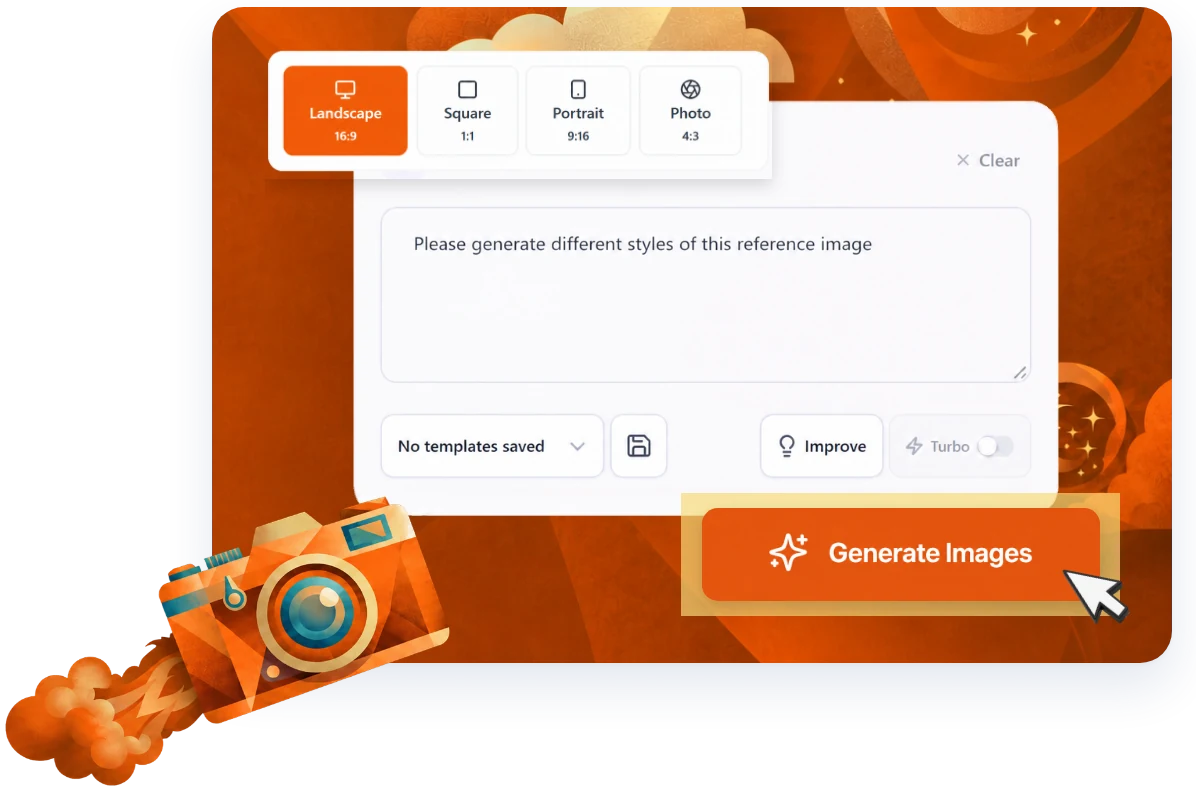
The stuff you'll actually use.
Not seven hundred features you'll never touch. The ones that get real work done, each with a one-minute tutorial so you can see it for yourself.
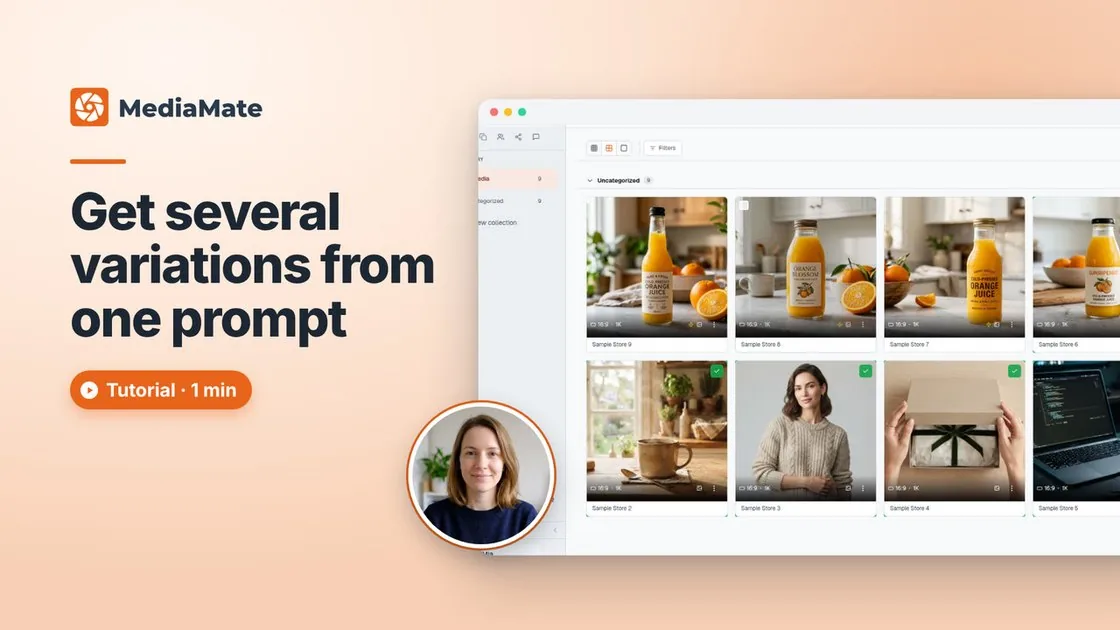
One prompt, four real options. Pick the winner.
The first image is rarely the one. Ask for four variations at once and you're choosing from real options instead of settling. Tick your two favourites, slide them side by side in Compare, and mark the keeper.
- Set the count and every image is its own take on the prompt
- Compare slider to weigh two options up
- Accept the winner and it's marked as the keeper
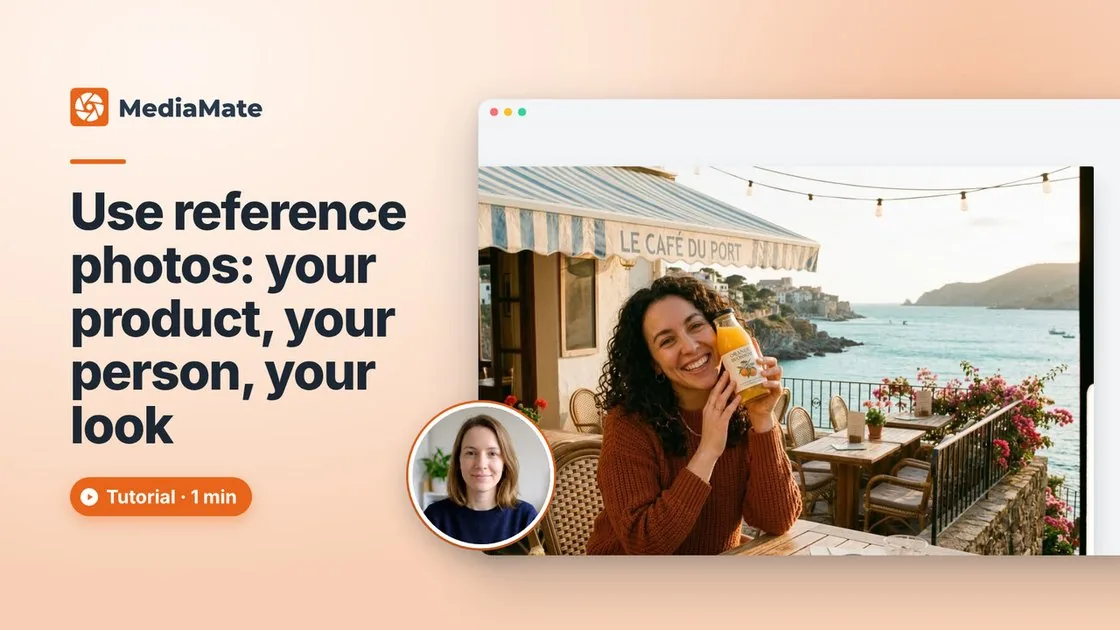
Your product, your person, your look.
Words only go so far. Add up to ten reference photos and give each one a job: the bottle and the person are Subjects, so they stay exactly as they are; the café shot is Style, so that's where the golden light comes from. Then just say what should happen in the shot.
- Up to 10 reference photos per run
- Subject keeps the thing itself; Style borrows the look
- Every reference is saved with the image, so you can see what it followed
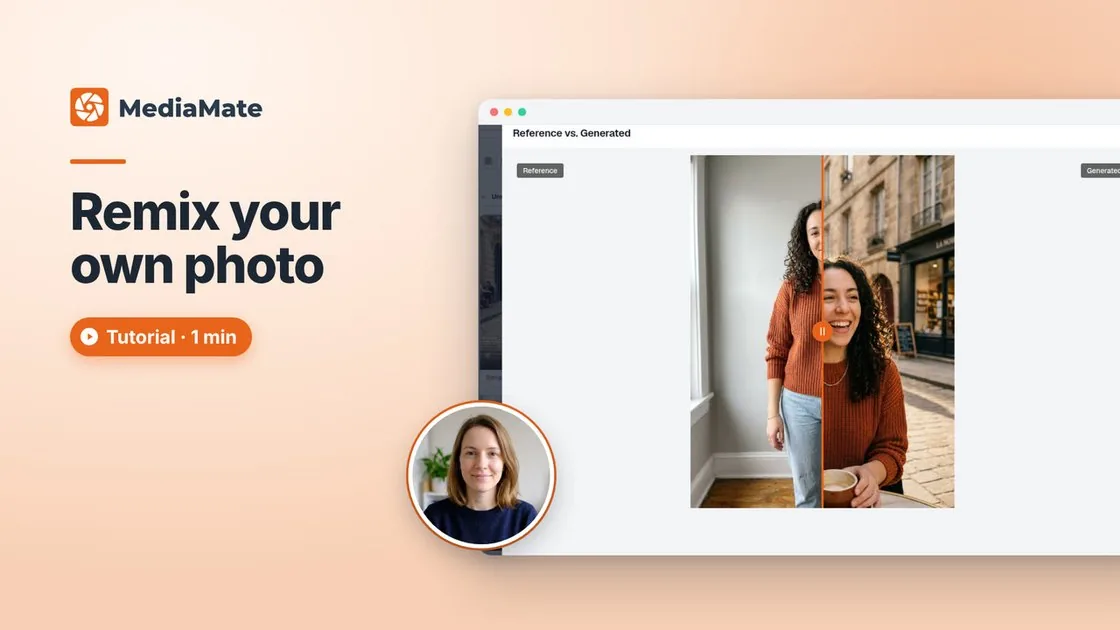
Start from a photo you love. Get a brand new one.
Drop in your own photo and MediaMate makes new shots of the same person: a fresh pose, or a whole new scene. Same face, same sweater, brand new photo. Your original is kept with it as the reference.
- New pose or new scene from one upload
- Auto shape keeps your photo's proportions
- Compare slider shows the before and after
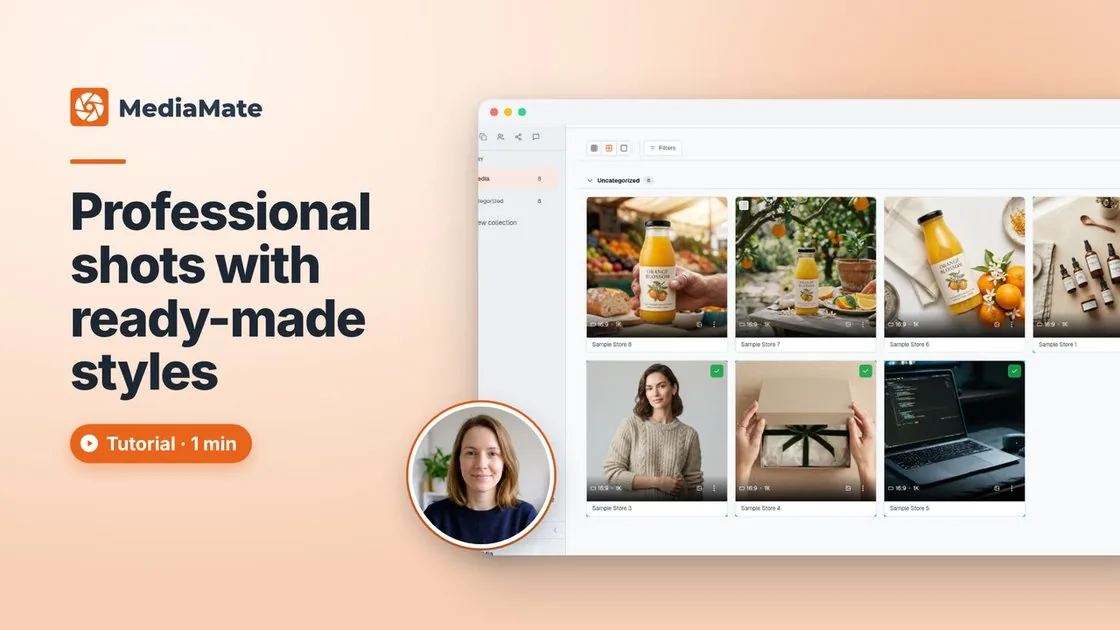
Professional shots, not a word typed.
Not sure what to write? Dozens of ready-made styles turn a plain product photo into finished shots: flat lay, packshot, lifestyle, on-model, hand-held and more. Click a style, leave the prompt box empty, hit Generate.
- Packshots, flat lays, lifestyle, on-model, hand-held
- Combine styles for a look of your own
- Three styles, three pro shots of the same bottle
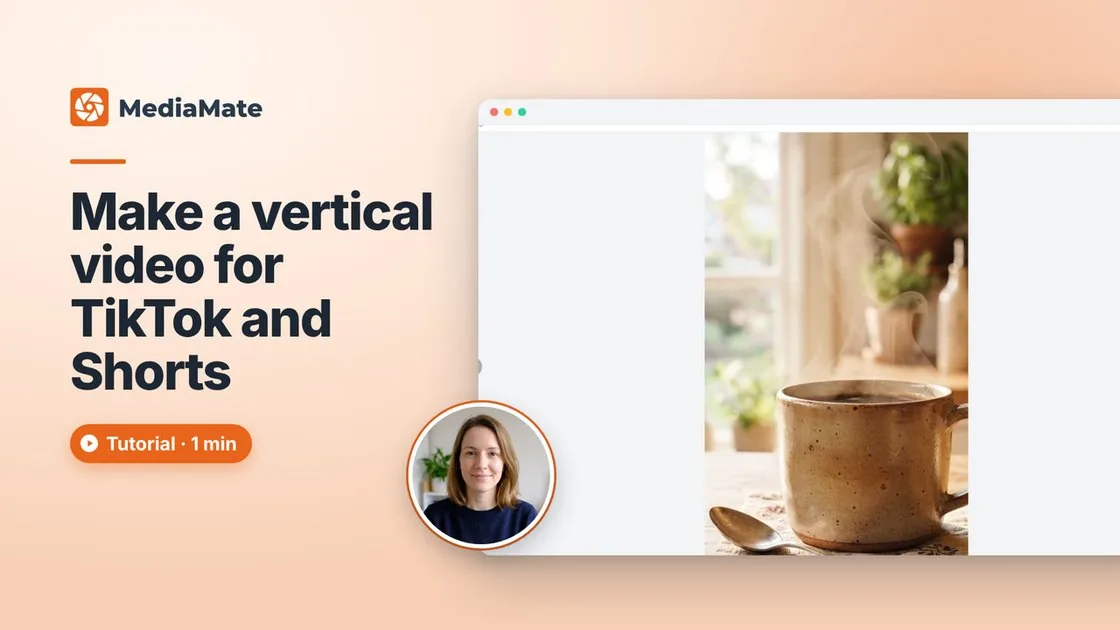
Turn a photo into video.
Open any image, click Create video, pick the crop, describe the motion (steam rising as the camera slowly pushes in) and set length, ratio and resolution. A widescreen photo becomes a vertical clip for TikTok, Reels or Shorts in under a minute.
- 9:16, 1:1 or 16:9, with the subject where you want it
- Control over length, ratio and style
- Renders in the background while you keep working
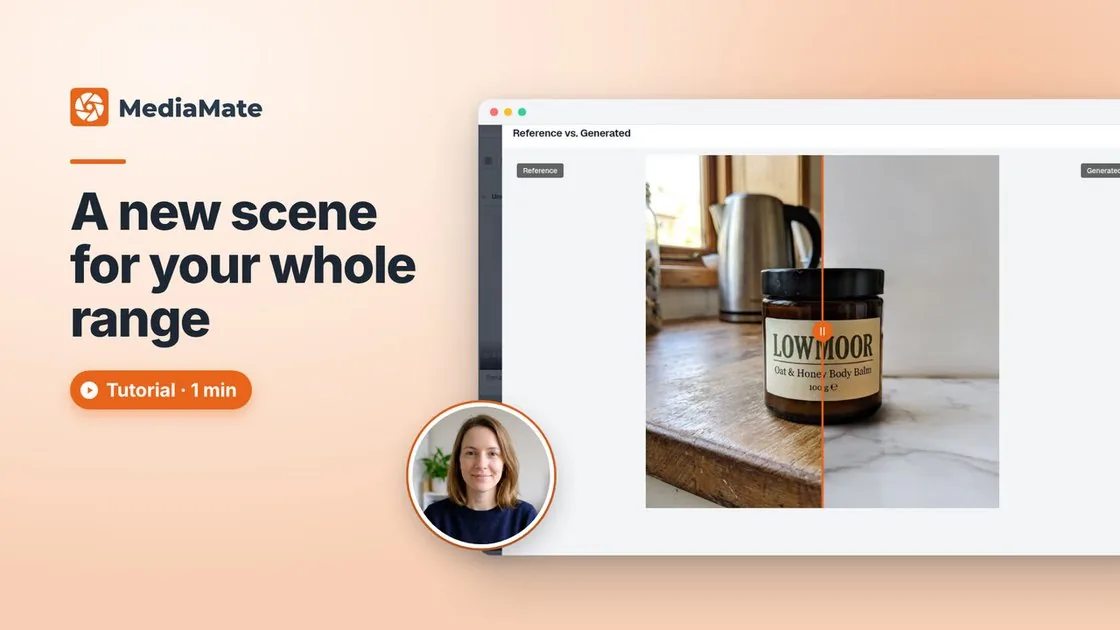
A new scene for your whole range.
Product photos shot on the kitchen bench? Switch Generate to Replace, add up to ten at a time, pick a scene like Marble benchtop or describe your own. Each photo is cut out, its lighting evened out, and placed so the whole set matches. The product itself is never redrawn: its shape, edges and every letter on the label stay exactly as you shot it.
- Up to 10 photos in one go, one matching set
- Real shadows, real placement
- Never redrawn, so labels stay sharp
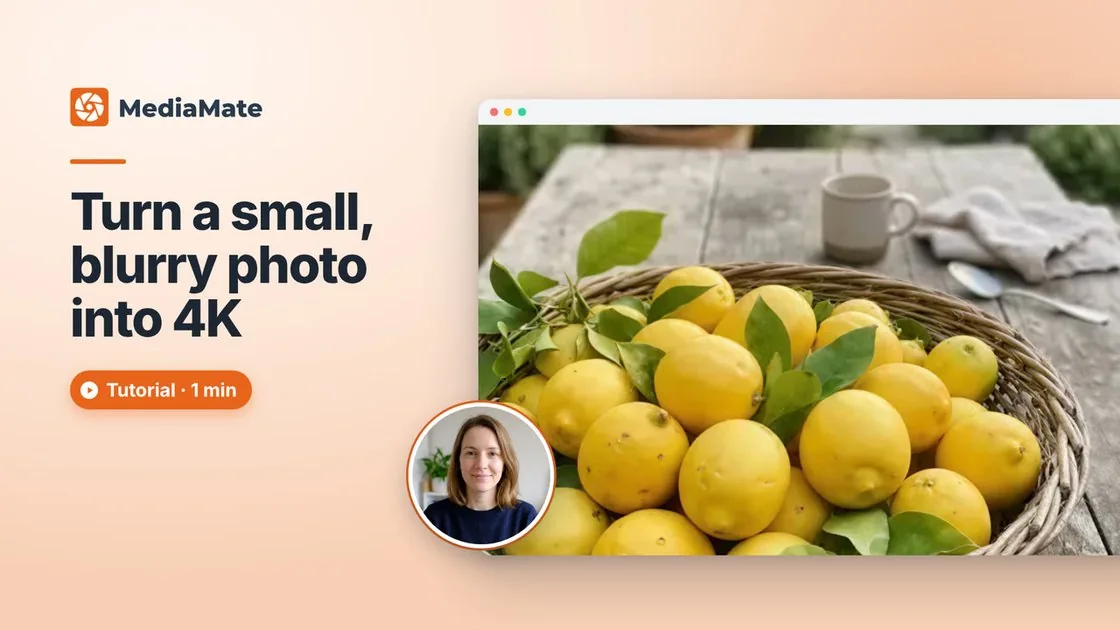
Small, blurry photo in. Crisp 4K out.
That old product shot, or the one saved off a website at a thousand pixels wide: upload it, click Upscale, choose Premium for the full four times. Clean edges, crisp detail, no more blocky compression. MediaMate rebuilds what the small photo lost.
- Up to 4x, marked 4K when it's done
- Not a resize: detail is rebuilt
- Ready for print
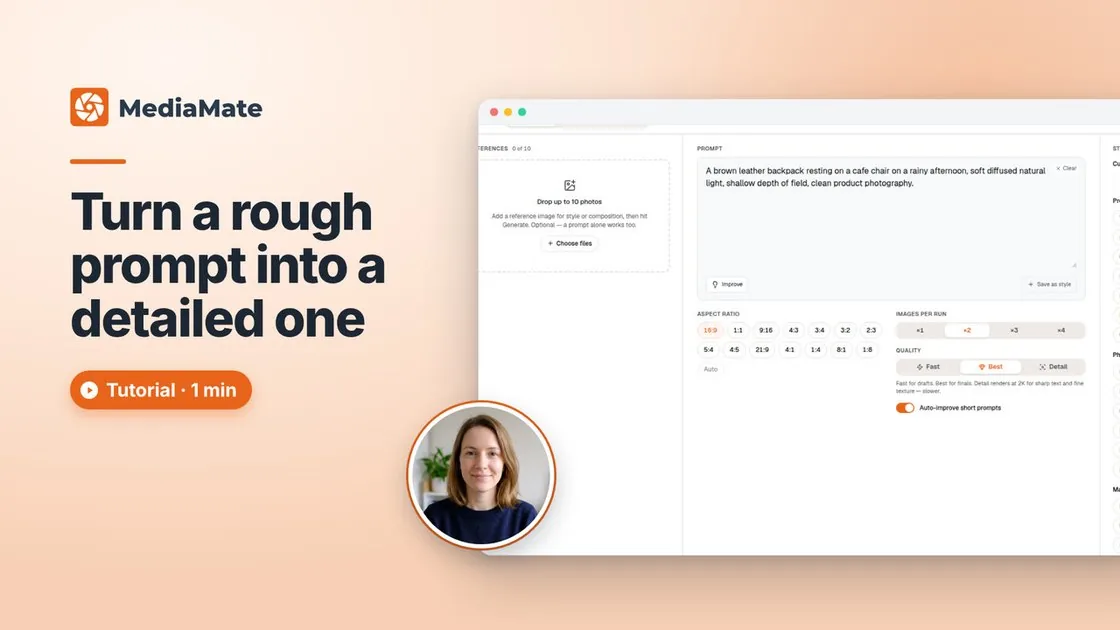
Type it rough. MediaMate fills in the rest.
Jot it down the way you'd say it: a brown leather backpack, a café chair, a rainy afternoon. One tap on Improve turns the fragments into a detailed prompt without changing what you asked for. Found a look that nails it? Save it as a custom style and reuse it on any product with one click.
- Improve adds light, depth and framing, never new subjects
- Auto-improve does it on every short prompt
- Custom styles: save, rename and edit your best prompts
Send a proof link. Get a yes or a no.
Put the shots in a collection and share one link. Your client opens it, accepts or rejects each image, and leaves a comment right on the one they want changed. No email chains, no screenshots with arrows on them, no "which one did you mean?"
- One link, no login needed for the client
- Accept or reject per image, with comments on the ones that need work
- Approvals land back in your collection, so you know exactly what's signed off
And there's more.
The rest of the toolkit, grouped by what you're doing. Everything here is included, pay as you go.
- ConceptsTurn a rough idea into a set of visual directions in seconds.
- Every aspect ratioNEW14 ratios from square to ultra-wide, so you create at the right shape from the start.
- Fast, Best or DetailNEWPick speed or quality per run.
- Perfect 4K upscalingAny image, upscaled to 4K without quality loss.
- Video upscalingNEWSharpen your videos too.
- Background removalClean cut-outs in one click.
- Crop, rotate, flipAll in the browser.
- Expand an imageNot quite the size you need? Extend it and AI fills in the rest.
- Erase areasSomeone in the background? Brush them out.
- Edit on your phoneNEWThe full editor works by touch.
- Resize for every platformOne step exports every format, including ready-made eBay, Etsy, Vinted and Depop listing sizes.
- Batch exportNEWDownload a whole selection as a ZIP or as separate files.
- Comments on shared linksNEWClients comment right on the image.
- Side-by-side compareNEWPut options next to each other and pick the winner.
- ProjectsNEWEach client or brand in its own space, move work between them, search across all.
- Bulk rename, duplicate, reorderNEWRename a selection in one go, drag-and-drop ordering, one-click copies.
- Spend trackingNEWMonthly spend per project, set a budget, export to CSV.
How it works
Describe or upload.
Write a prompt, choose a template, or drop in an existing image to upscale.
Generate.
MediaMate produces images, video, or a 4K upscale using your chosen settings.
Organise and share.
Drop outputs into collections and share them. The recipient approves or rejects directly in MediaMate.
FAQ
What can MediaMate generate?
Images and video. Generate multiple image variations from a text prompt, use a ready-made template, upload reference images to guide the output, or drop in a low-res image and upscale it to perfect 4K.
How does the 4K upscaling work?
Drop in any image regardless of its original quality and MediaMate will upscale it to 4K. It's not just a resize. The output is sharp, detailed, and ready to use.
What are collections?
Collections let you organise your generated images and video into groups and share them directly from MediaMate. The person at the other end can approve or reject individual items, so you're not chasing feedback over email.
How does pricing work?
No monthly fees. Just pay as you go.